


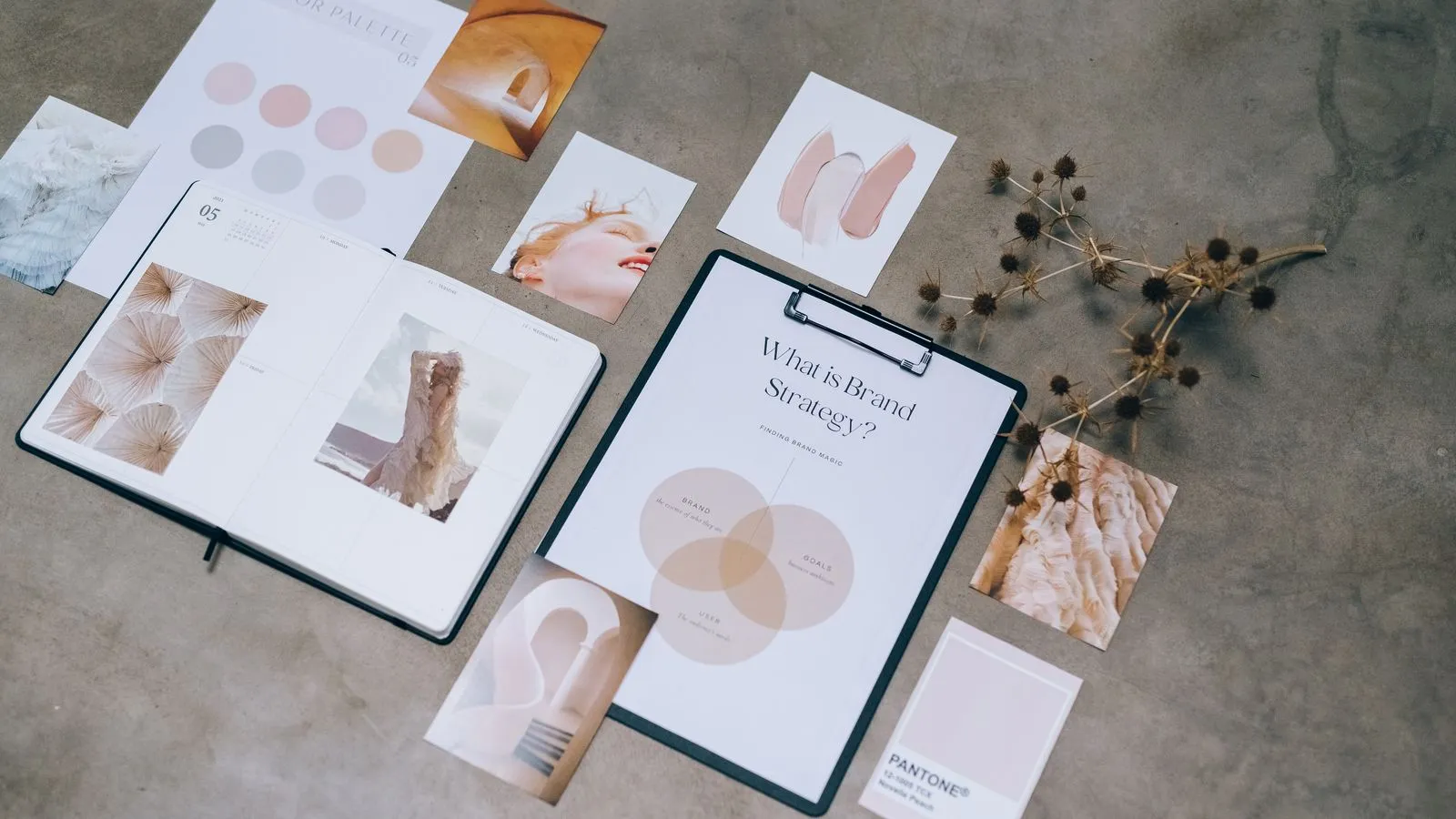
A brand kit in Canva is where you store your logo, colors, fonts and brand photos so you can apply them to any design in one click. You set it up once, and every post, story and presentation stops looking like it came from a different business.
Below: what goes into one, how to set it up step by step, what to do without Canva Pro, and the mistakes that make a brand look improvised.
What goes into a brand kit?
- Logo variations: primary, horizontal, icon only and a white version for dark backgrounds.
- A palette of 3 to 5 colors with hex codes (for example, #1A1A1A): one primary, one secondary, one accent and two neutrals. Check that text on them meets the minimum contrast of 4.5:1.
- Two fonts: one for headings and one for body text. More than two almost always looks messy.
- Photo style: natural or studio light, warm or cool tones, people or product only.
- Graphic elements: icons, shapes or textures you repeat.
- Brand voice: three words for how you sound, like "friendly, direct, no jargon".
How do you set up a brand kit in Canva?
- Pick your palette before opening Canva. Use the 60-30-10 rule: 60% neutral, 30% primary color and 10% accent for buttons and details.
- Choose two fonts that exist in Canva. Pairings that work: Bricolage Grotesque with Work Sans (modern), Prata with League Spartan (elegant).
- Open the Brand section in Canva's menu and create a new kit with your business name.
- Upload every logo version as a PNG with a transparent background.
- Add your colors by pasting the hex codes, in 60-30-10 order.
- Set your fonts for heading, subheading and body, with sizes.
- Upload 10 to 20 brand photos: your product, your space, your team. These are the ones you'll reuse.
- Test it on a template and check that it works on a post, a story and a document.
What if you don't have Canva Pro?
With Canva Pro the brand kit has every feature and you can create several. Free accounts get fewer options, so check what your plan includes. If it falls short, build a brand board: a single design page with your logo, color codes, fonts and three reference photos. Duplicate it whenever you start a new design and copy the style from there. For layouts and ideas, see these brand board examples.
How do you use the kit day to day?
- Always start from one of your own templates, not a blank page or an unadapted generic template.
- Use "Apply brand style" on a new template to swap colors and fonts at once.
- Review the whole profile, not a single post: if a color in the grid isn't yours, it goes.
If your brand doesn't have these pieces yet, start with the right order to build your identity and what goes into brand guidelines.
Mistakes that make a brand look improvised
- Five different fonts because every template came with its own.
- Changing colors with your mood each week.
- A pixelated logo from using a screenshot instead of the original file.
- Copying another account's brand. Borrow the style, not their exact colors.
Frequently asked questions
Canva Pro includes the full brand kit and lets you create several. Free accounts get fewer options; a workaround is a brand board on a single design page.
Three to five: a primary, a secondary, an accent and one or two neutrals. More than that is hard to keep consistent.
Two: one with personality for headings and one very readable for body text. For example, Bricolage Grotesque with Work Sans or Prata with League Spartan.
The brand kit stores the pieces so you can use them in Canva. The guidelines explain how and when to use them, with do's and don'ts.
Wrapping up
A brand kit isn't a big-company luxury: it's what makes your business look equally polished in every post without thinking about it each time.
Next step: for the full system already designed, the Aurora Kit includes a brand guide, stationery and social templates ready to edit in Canva.