


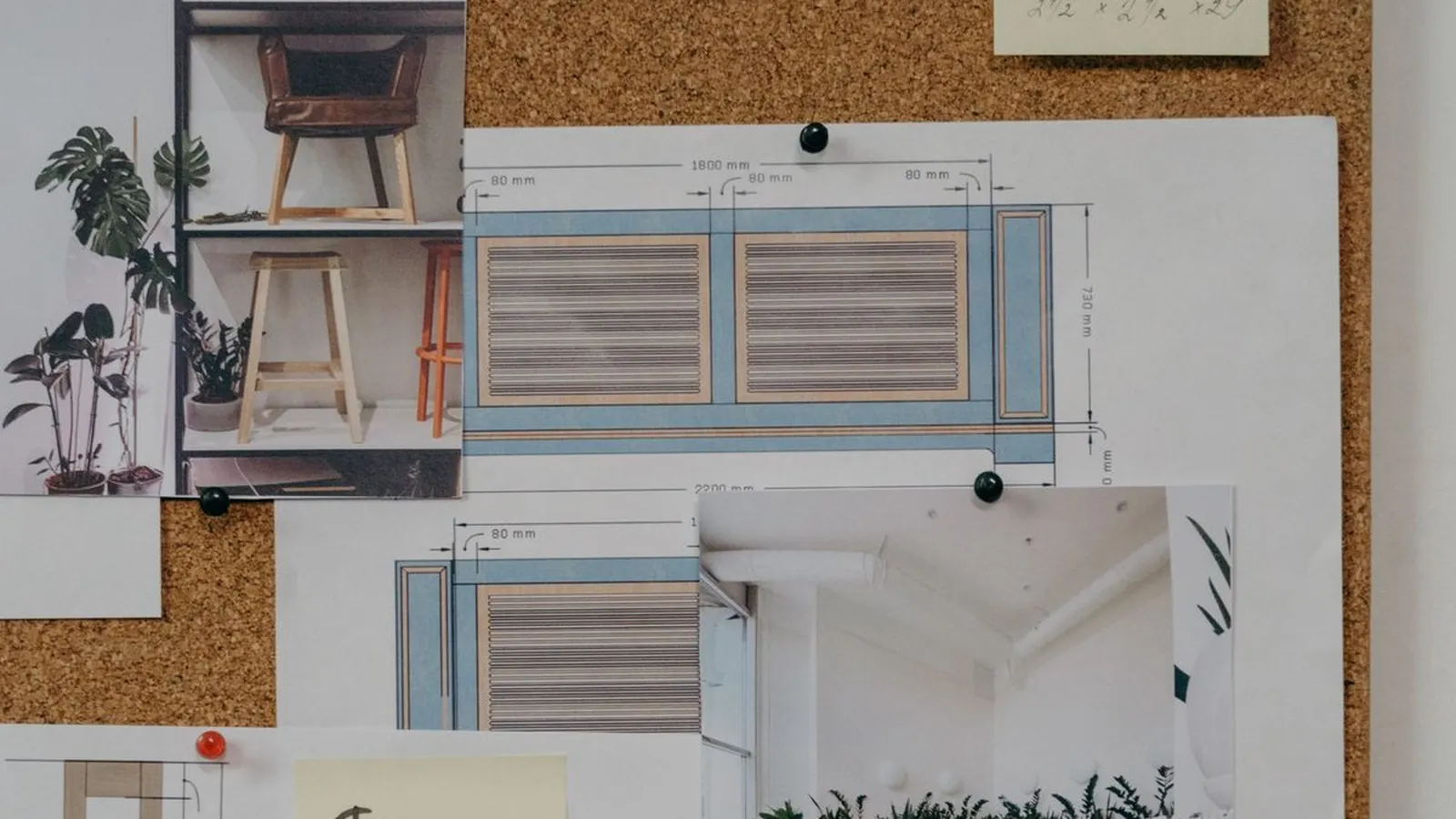
A brand board is a single page that shows your logo, logo variations, color palette with codes, fonts and a few images that capture the mood of your brand. It's the quick reference you hand to a printer, designer or assistant so everything you make looks like it comes from the same business.
Below: what to put on one, brand board examples in five styles you can borrow, a real template example and the steps to build yours in Canva.
What goes on a brand board?
- Primary logo plus variations: horizontal, stacked, icon or monogram.
- Color palette with hex codes (and CMYK if you print). Four to six colors is plenty, as long as the text on each one meets the minimum contrast of 4.5:1.
- Fonts: one for headings and one for body text, each with a sample.
- Imagery: three to five photos or textures that set the mood.
- Optional extras: icons, a pattern, a sample button or three words that describe your brand voice.
Brand board vs. brand guidelines vs. moodboard
A moodboard is inspiration you gather before designing. A brand board is the finished identity summed up on one page. Brand guidelines spell out the rules: logo do's and don'ts, spacing, voice and examples. For the full version, see what brand guidelines include.
Brand board examples and ideas by style
These are style directions to start from, not real client brands. Pick the one closest to how you want customers to feel.
- Soft neutral: warm whites, sand and one muted accent; a serif for headings; natural light photos. Suits skincare, wellness and boutique services.
- Bold and graphic: black, white and one saturated color; a heavy sans-serif; flat shapes and big type. Suits fitness, events and tech services.
- Warm handmade: earthy tones, a rounded serif or script accent, textured paper and close-up product shots. Suits bakeries, ceramics and crafts.
- Clean professional: navy or deep green, generous white space, a neutral sans-serif and simple line icons. Suits consultants, clinics and accountants.
- Playful color: two bright colors that contrast, a friendly rounded font and illustrated stickers. Suits kids' brands, cafés and party supplies.
A brand board example from the Aurora Kit
This is the cover of the Aurora Kit brand guide, showing its sample palette of peach, mist, sage, sand and graphite:
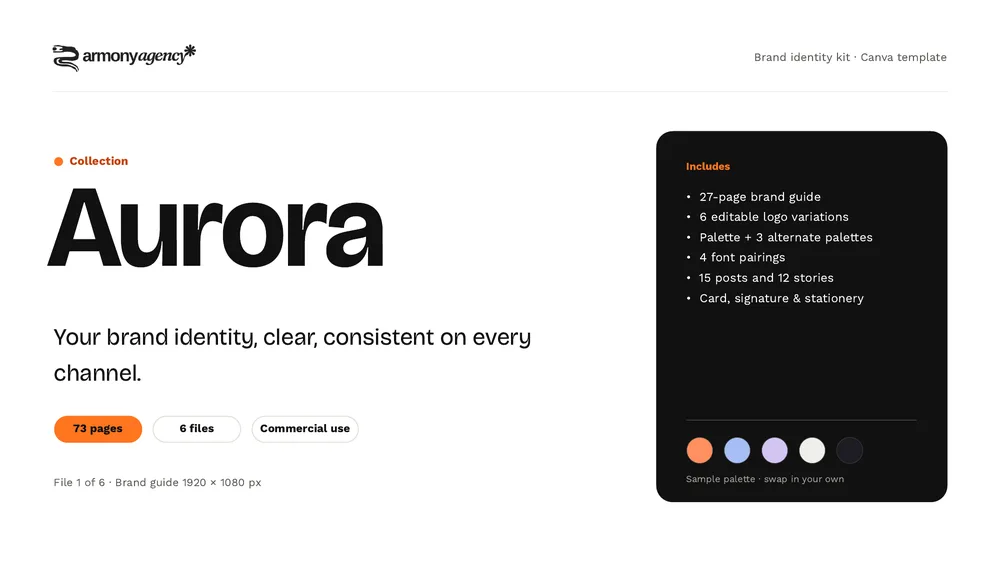
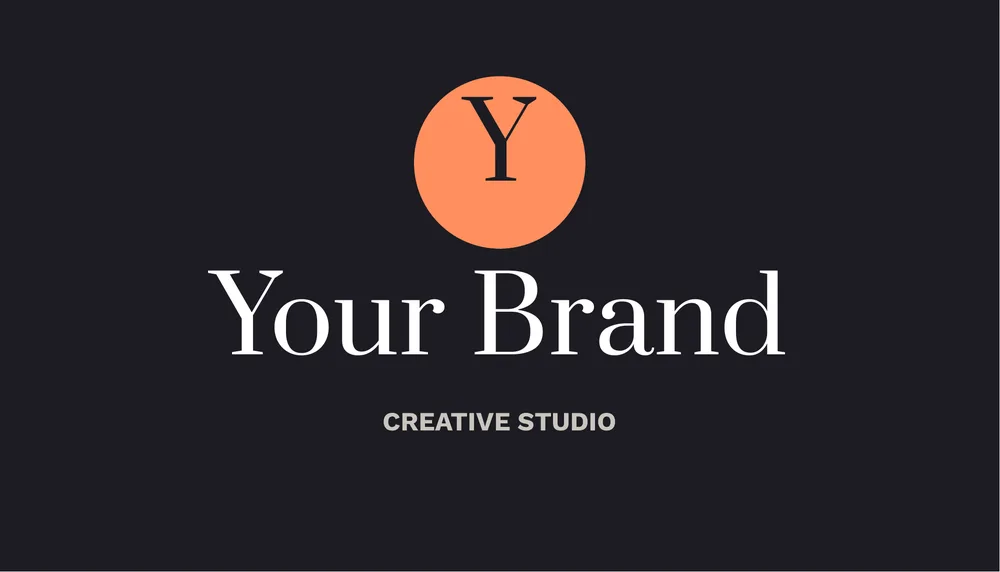
The same palette and fonts (Prata for headings, Work Sans for text, both free in Canva) carry through to the business card, posts and stationery. That's the real test of a brand board: new pieces come out consistent without much thought.
How do you make a brand board in Canva?
- Create a landscape design, for example 1920 × 1080 px, or a letter-size page if you'll print it.
- Block out zones: logo top left, colors along the bottom, fonts on the right and images in a grid.
- Place your logo and its variations on light and dark backgrounds to check both.
- Add color swatches and type the hex code under each one.
- Write a sample line in each font with its name and what it's for.
- Add your reference images with a consistent color treatment.
- Download as PDF or PNG and keep it somewhere easy to find.
If your Canva plan includes Brand Kit, add the same colors and fonts there so they show up in every new design. We cover it in how to build a brand kit in Canva.
Brand board mistakes to avoid
- Ten colors. When everything stands out, nothing does.
- Three or four decorative fonts.
- Mood photos that look nothing like what you actually sell.
- Missing color codes, so everyone guesses the shade.
- Designing the board before you know who you sell to. See why your logo isn't the first step.
Frequently asked questions
Your main logo and its variations, a color palette with hex codes, one or two fonts with their use, and a few images or textures that show the mood. Some boards add icons, patterns or a short line on brand voice.
There's no fixed size. A landscape page such as 1920 × 1080 px works well on screen and exports cleanly to PDF; use a letter or A4 page if you plan to print it.
No. A brand board is a one-page snapshot. A style guide explains the rules in detail: logo usage, spacing, voice and examples of right and wrong use.
Yes. Canva Free has templates, color swatches and free fonts, which is enough for a one-page board.
Wrapping up
A brand board puts what makes your brand recognizable on a single page: logo, colors, fonts and imagery. Make it once and use it every time you design something new.
Next step: if you want the board, the guide and matching templates already put together, see the Aurora Kit. For a custom identity, take a look at our branding service.